
You can add Elfsight widgets to your Hubflo Client Portal, no code needed! Elfsight is a powerful tool that lets you embed dynamic features like calendars, reviews, chat buttons, and pricing tables into your portal.
To get started, go to Elfsight.com and log in or create a free account.
Pick the widget you want (e.g., Pricing Table, Social Feed).
Click the three dots on your widget
Select “Share by link” and copy the URL
Now open Hubflo and go to the client workspace or template where you want the widget.
Tip: If you want an embedded app to appear automatically across all your client workspaces, you can add it as a Global Item. 👉 Learn how to set up Global Items →
Click on “Embed”
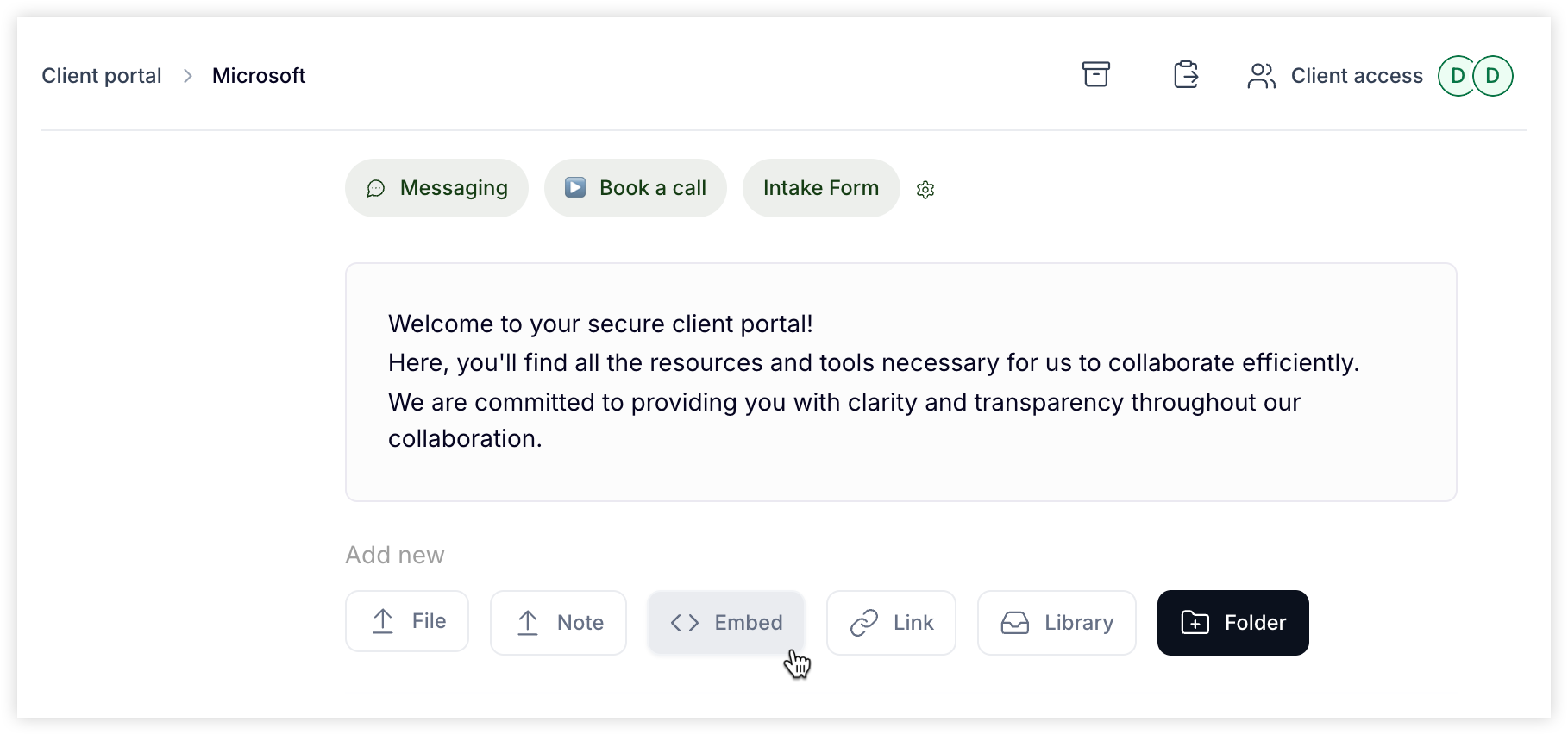
Paste the Elfsight share link into the URL field, then Add
Boom — your widget is now live in your portal 🙌
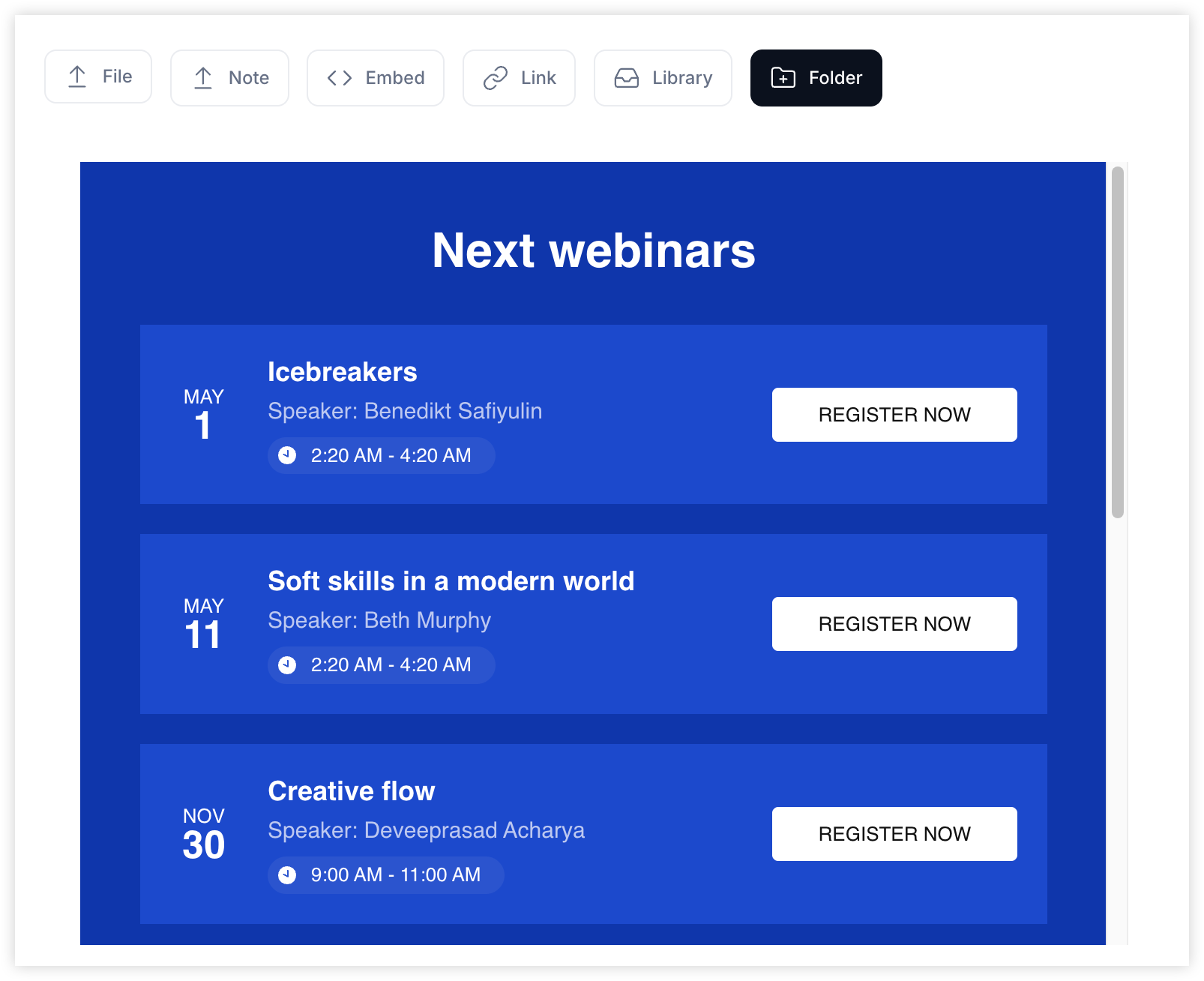
Want to sell your services in your Client Portal?
You can — with Elfsight widgets! Drop them into your Hubflo portal and let clients browse, learn about, and even purchase your services right from their dashboard. Two widgets we recommend:
Pricing Table Widget
Perfect for showcasing your service offerings with clear pricing and call-to-action buttons.
Use it to:
Display your packages
Add short descriptions
Link each item to a Stripe checkout, Hubflo form, or contact link
Knowledge Base Widget
Great for guiding clients through your services with videos, FAQs, or how-to articles.
Use it to:
Educate new clients
Share explainer content
Support self-service before or after purchase