
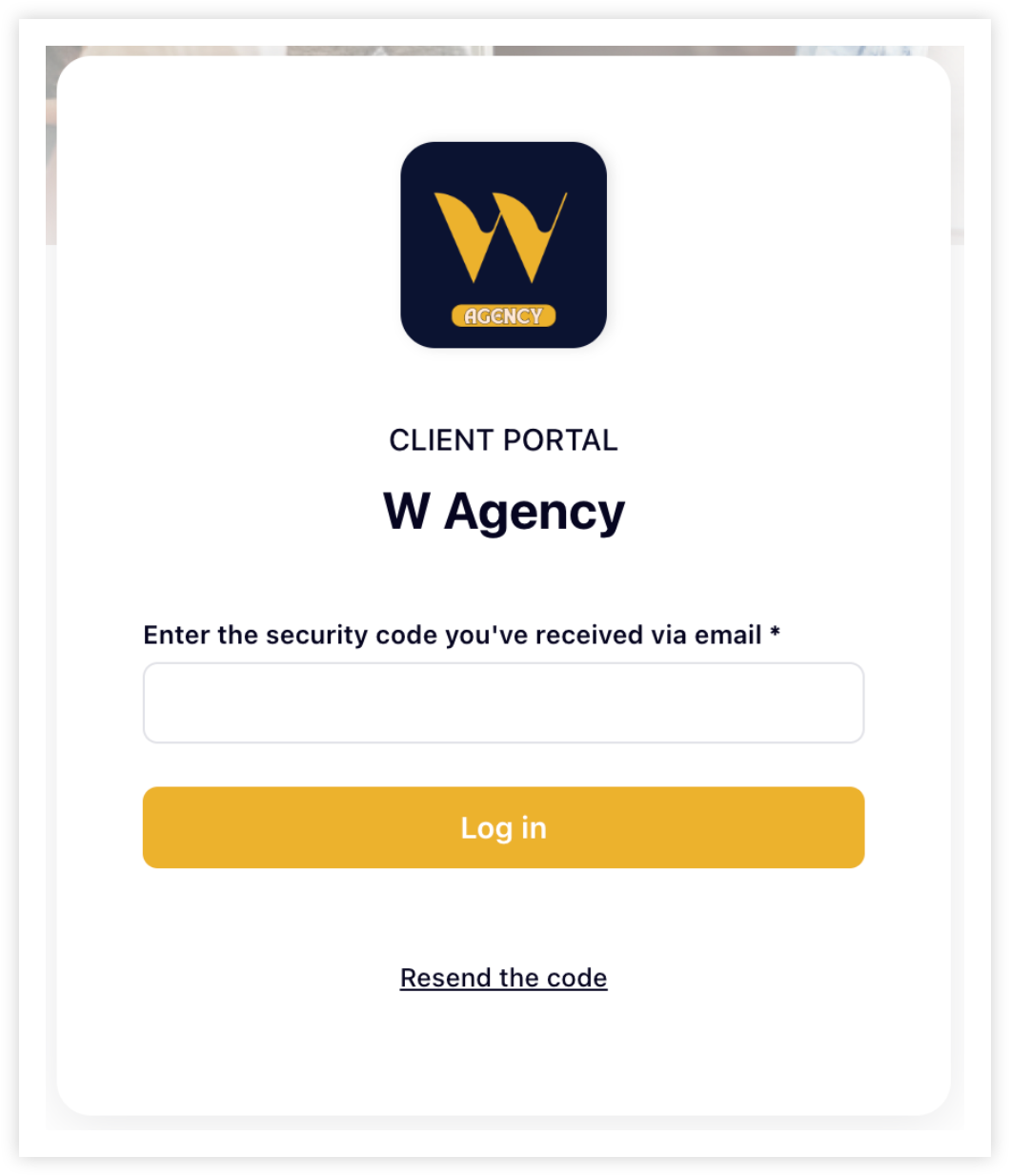
Two-Factor Authentication (2FA) adds an extra layer of security to your Hubflo account. Instead of logging in with just a password, users also need to enter a one-time code sent to their email. This helps protect your workspace from unauthorized access.
2FA is one of the simplest, most effective ways to keep your data safe. We strongly recommend turning it on for both your internal team and your clients.
Turn 2FA on/off for team members
Go to Settings
Click on Team & access
Click the Security tab
Toggle on/off two-factor authentication
That’s it! Once on, 2FA will be required the next time users log in.
Turn 2FA on/off for clients
Go to Settings
Click on Authentication & SSO
Toggle on/off 2FA for clients
That’s it! Once on, 2FA will be required the next time clients log in.
💬 Need help? Chat with us directly in your Hubflo dashboard or email us at [email protected]—we’re happy to help!