
You can collect e-signatures on proposals, terms and conditions, and service contracts. E-signatures in Hubflo are powered by YouSign, a legally binding e-signature provider. Depending on your plan, you get 20, 40, or 70 e-signature credits per year.
Step 1: Create a contract template
Go to Settings → Contract Templates.
Click the Contracts tab.
Click + New Template, give it a title, then paste in your existing contract text or write one from scratch using Hubflo's editor.
(Optional) Toggle Set as default to automatically attach this template to every new proposal.
Step 2: Attach the contract to a proposal
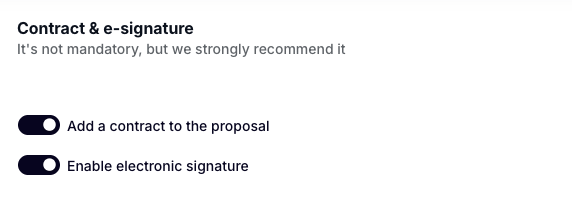
When creating or editing a proposal, scroll to the contract section, select your saved template, and toggle e-signature on so your client can sign online.
How signing works
Your client doesn't need to create an account or log in. When they open the proposal, they'll see an Accept & sign button. After signing, if you have e-signatures enabled, you'll be prompted to countersign.