Task templates let you save a task structure, including subtasks, and reuse it whenever you need it. They're useful for any task you create repeatedly across different clients or workspaces.
Looking to reuse entire project sections? See Create section & task templates.
Create a task template
Go to Settings > Task templates
Click + New template
Add a title, and any additional information needed such as a files, tags, and description
To create a subtask template
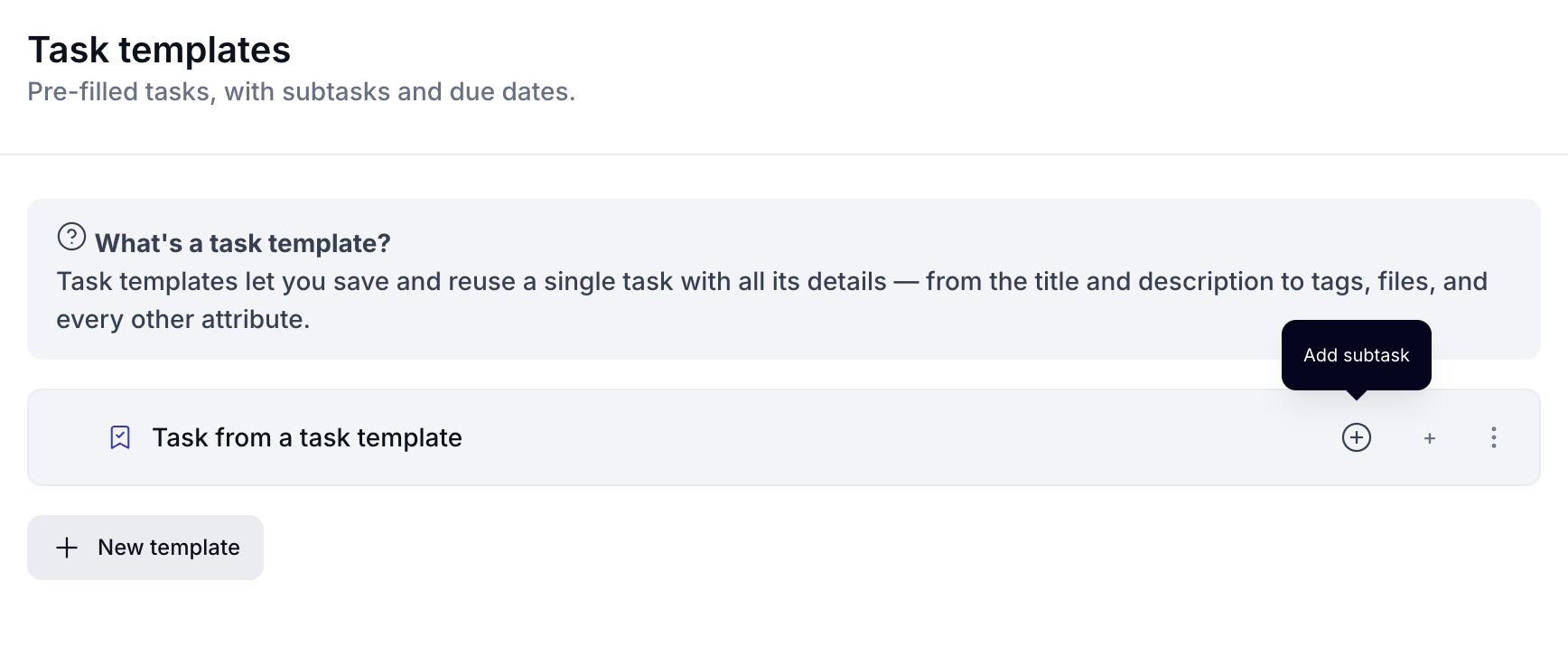
To add subtasks, click the + icon on the task you just created:
Setting relative due dates
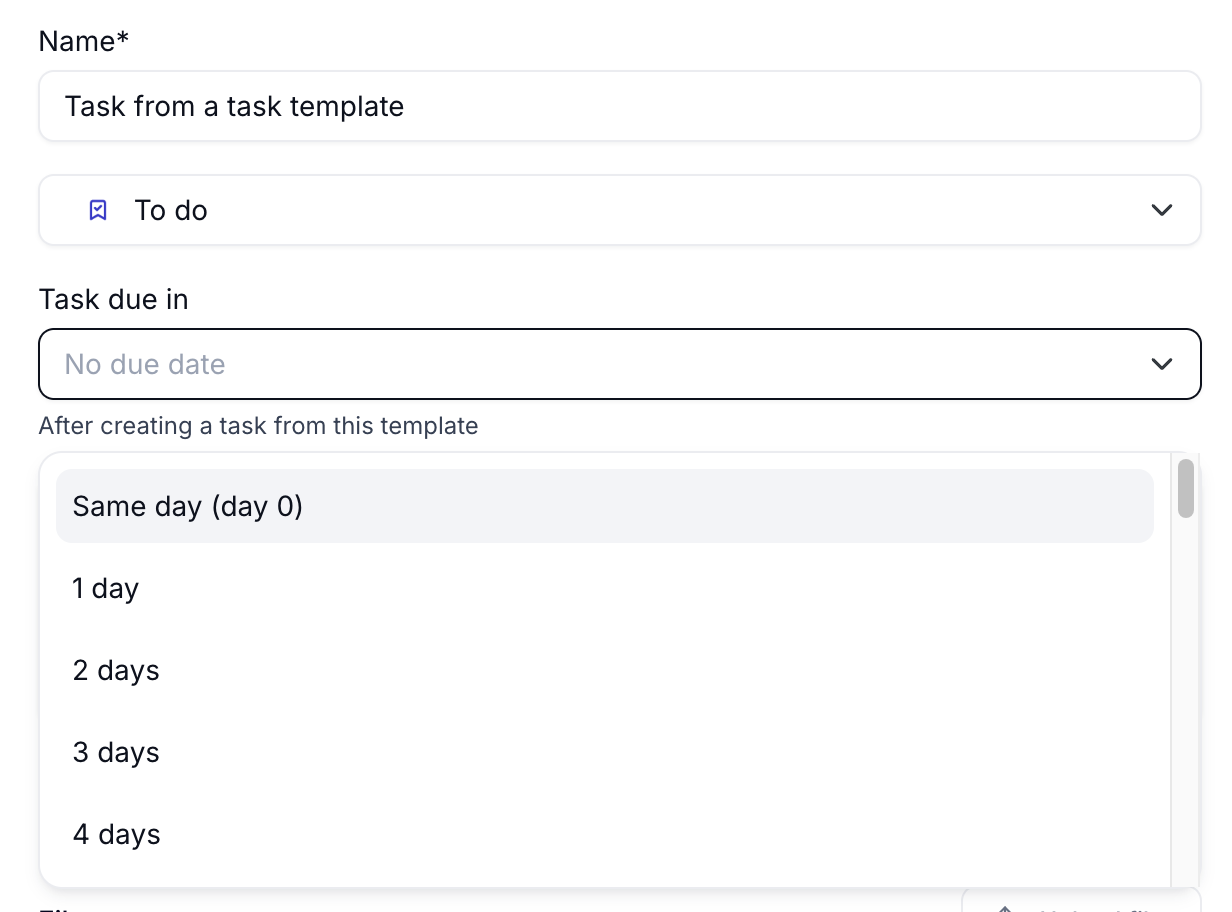
A "Task due in" field lets you define a due date relative to when the task is created:
No due date
Same day (0 days)
1–31 days after creation
When you create a task from this template, the due date is calculated automatically. For example, if you set 3 days and the task is created on Nov 24, the due date will be Nov 27.
Use a task template
Task templates are available in two places:
Inside a workspace or project (without task sections)
In the Tasks view in the left sidebar
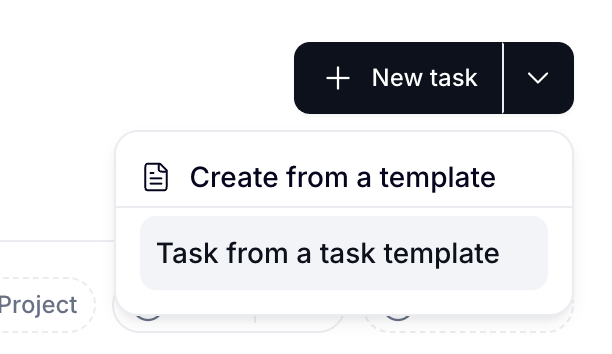
In either location, click the dropdown arrow next to + New task, then:
Select Create from a template.
Choose your template from the list.