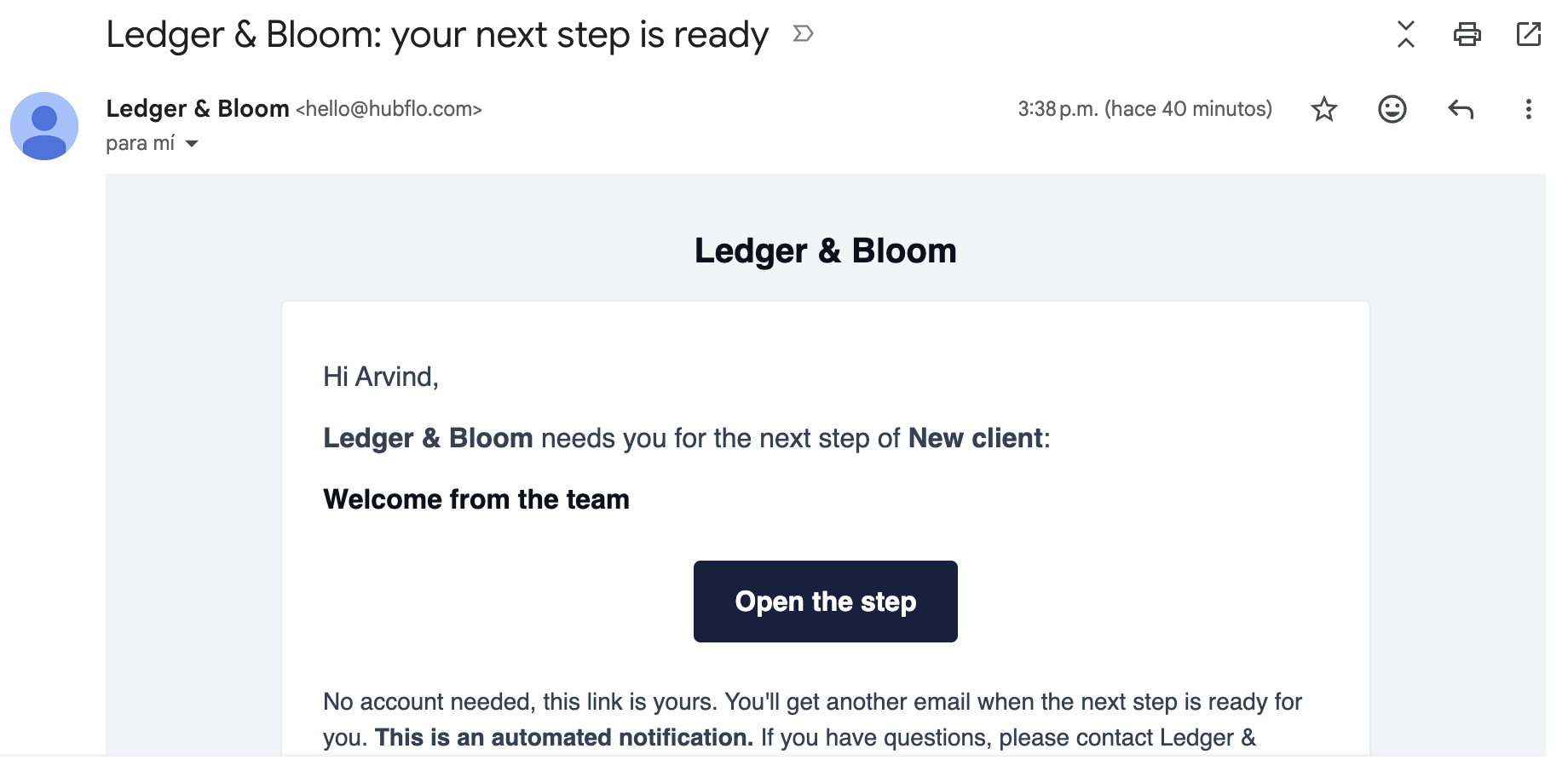
Hubflo notifies the right person at each stage of a Flow, so you don't have to chase anyone. Here's who receives what.
Clients get an email, plus a push notification if they use your portal's mobile app, when:
A step opens for them. This happens when you start the Flow, each time the previous step is done, and when you reassign a role to them. The previous person's link stops working.
A step is waiting on them. They receive reminders (see Reminders below).
You reject their step. The email includes the reason you wrote, so they know what to fix.
You send a step back for their approval. When your client requested changes on a step set to approval and you've updated it, the email tells them the step is ready to review again.
The Flow is completed.
Team members are notified in Hubflo, by email and by push (if they use the Hubflo app), depending on the event:
A step opens for them. This happens when a step assigned to an internal role becomes the current one, or when you reassign that role to them. They get an email, an in-app notification and a push notification.
A step is waiting on them. They receive reminders (see Reminders below).
A step is waiting for your team's review. When a client submits a step your team has to review, the person who started the Flow and the contact's owner get an in-app notification. The person who started the Flow also gets a push notification.
Your client requests changes. On a step set to approval, the person who started the Flow and the contact's owner get the client's comment by email, in-app and by push.
Your client approves. On a step set to approval, the person who started the Flow and the contact's owner get an in-app and push notification.
The Flow is completed. The person who started it, the contact's owner and every team member with a role in the Flow receive an email and an in-app notification.
Reminders go only to the person assigned to the current step:
Clients get an email and a push notification.
Team members get an email, an in-app notification and a push notification.
Reminders count from the last time the step was sent to that person: when it opened, when you rejected it, or when you reassigned it. On a step set to approval, sending it back for approval also restarts them.
Step | Reminders sent |
|---|---|
Without a deadline | 3 days later, then a last one 7 days later |
With a deadline | On the due date, then an overdue reminder 3 days after it |
With a deadline more than a week away | After 3 days, on the due date, then an overdue reminder 3 days after it |
A step never gets more than 3 reminders, and never more than one a day. After that, nothing more is sent. If the person still hasn't completed the step, it's up to you to follow up.
You skip a step. The person it was assigned to isn't notified.
You cancel a Flow. Participants simply lose access to their link, and reminders stop.
You reset a participant's link. No notification is sent and you share the new link yourself.
You revoke a participant's access. They aren't notified, and they no longer receive emails about the Flow, including the one sent when it's completed.