
To get started, go to Settings > Integrations to browse and activate the services you need. Click Activate next to any service to begin setup.
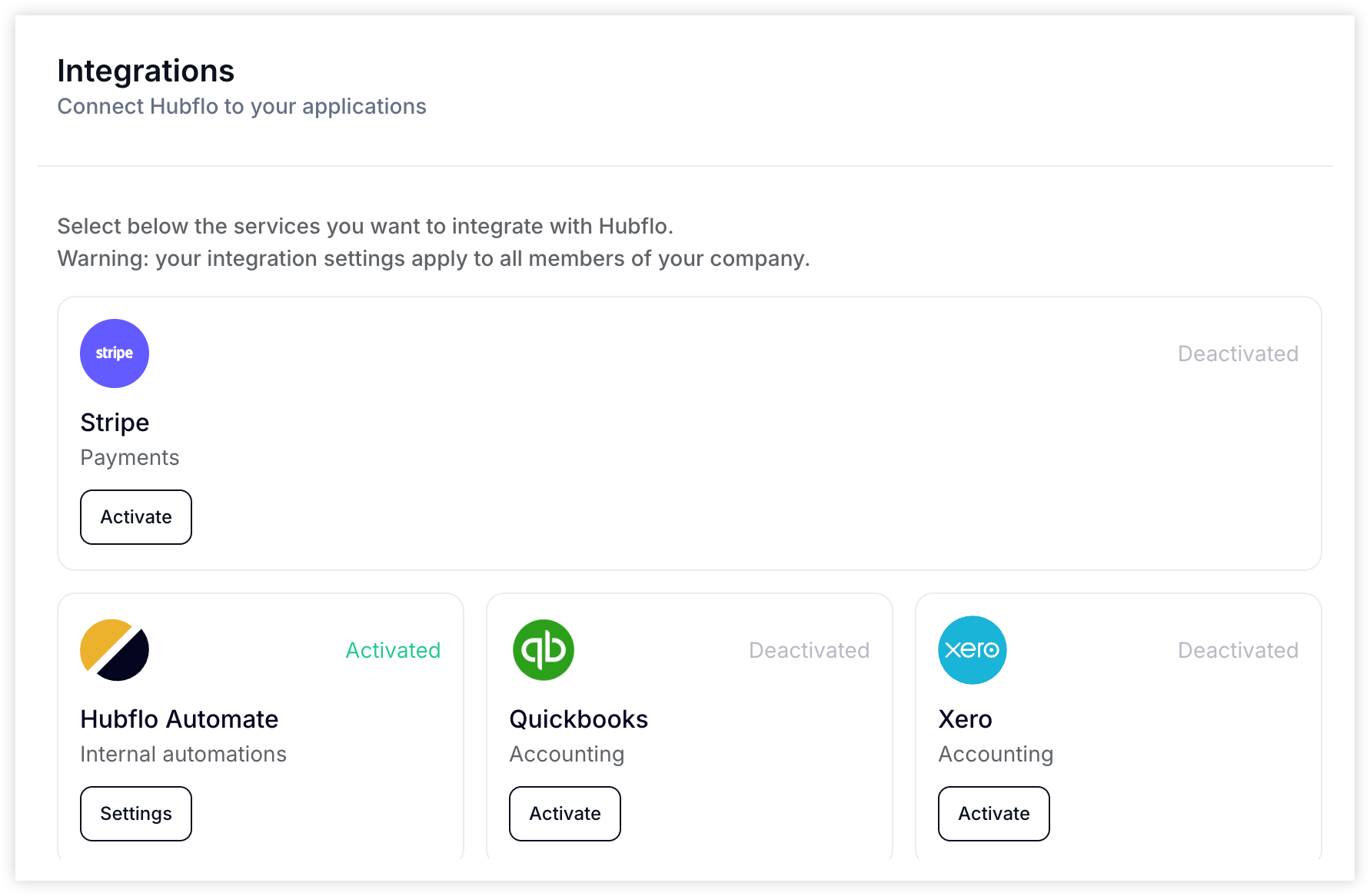
Note: All integrations apply company-wide and are visible to all team members.
Available Integrations
Hubflo Automate — Internal workflows and automations to save time
Stripe — Accept and manage client payments
QuickBooks — Sync your accounting data
Xero — Keep your books up to date
Mailchimp — Send automated emails and updates
Slack — Stay notified and collaborate in real time
HubSpot — Connect CRM data for smoother handoffs
Salesforce — Empower your sales and client success teams
ClickUp — Share task visibility in your client portal
Need more?
Integrate with 5,000+ apps via Zapier – the simple, no-code connector.
API Access
Looking for advanced or custom integrations? Use our API to build custom integrations.
💬 Need help? Chat with us directly in your Hubflo dashboard or email us at [email protected]—we’re happy to help!