
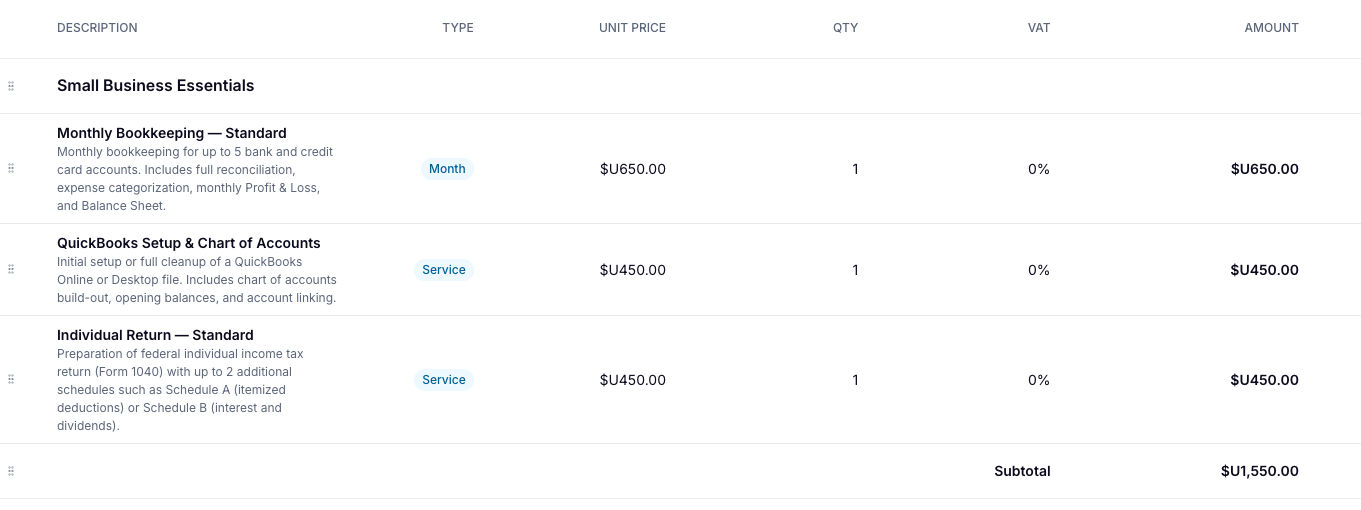
Packs let you bundle catalog items together into a single offering. Instead of adding services one by one to every proposal or invoice, you build the bundle once and insert it in one click.
Before you start
Make sure the items you want to include in your pack are already in your catalog. Packs are built from existing catalog items and you can't create a new item from within the pack builder.
Create a Pack
Go to Billing > Catalog
New > Pack
Add a name
Click + Add item from catalog and select the items you want to include. Repeat for each item in the bundle.
For each item, set the quantity.
Click Create
And that's it! Your pack is now saved and available to add to any proposal or invoice.
To edit a pack:
Go to Packs
Find the pack you want to update
From there you can rename the pack, add or remove items, adjust quantities, etc.
Editing a pack updates it going forward, it won't change proposals or invoices where the pack has already been added.