Hubflo is built for service businesses that manage multiple clients, digital agencies, coaches or consultants, accountants, law firms, real estate professionals, and similar practices. It works whether you're a solo operator or a team of 20+.
Hubflo has two sides. One for clients and another one for your team:
Your clients get the portal, a branded space to log in and collaborate.
Your team gets the Hubflo admin, everything you need to run the business: CRM, projects, tasks, forms, proposals, contracts and e-signatures, smartdocs, invoices, time tracking, and expense tracking.
Before you dive in, here's a quick overview of the main things you'll be working with.
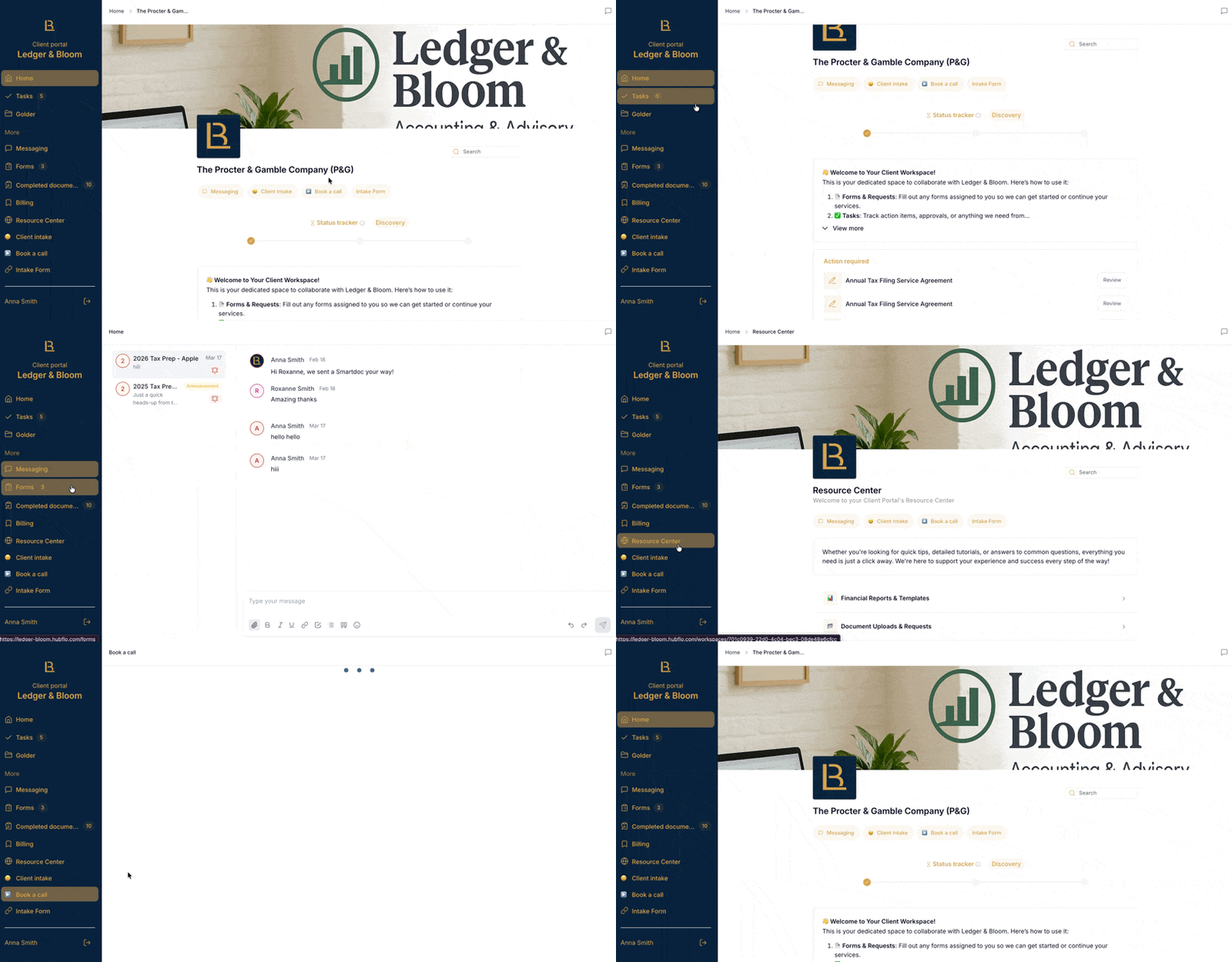
Your portal is the branded hub your clients log into. Think of it as the front door, every client you have enters through the same portal, then sees only what's relevant to them.
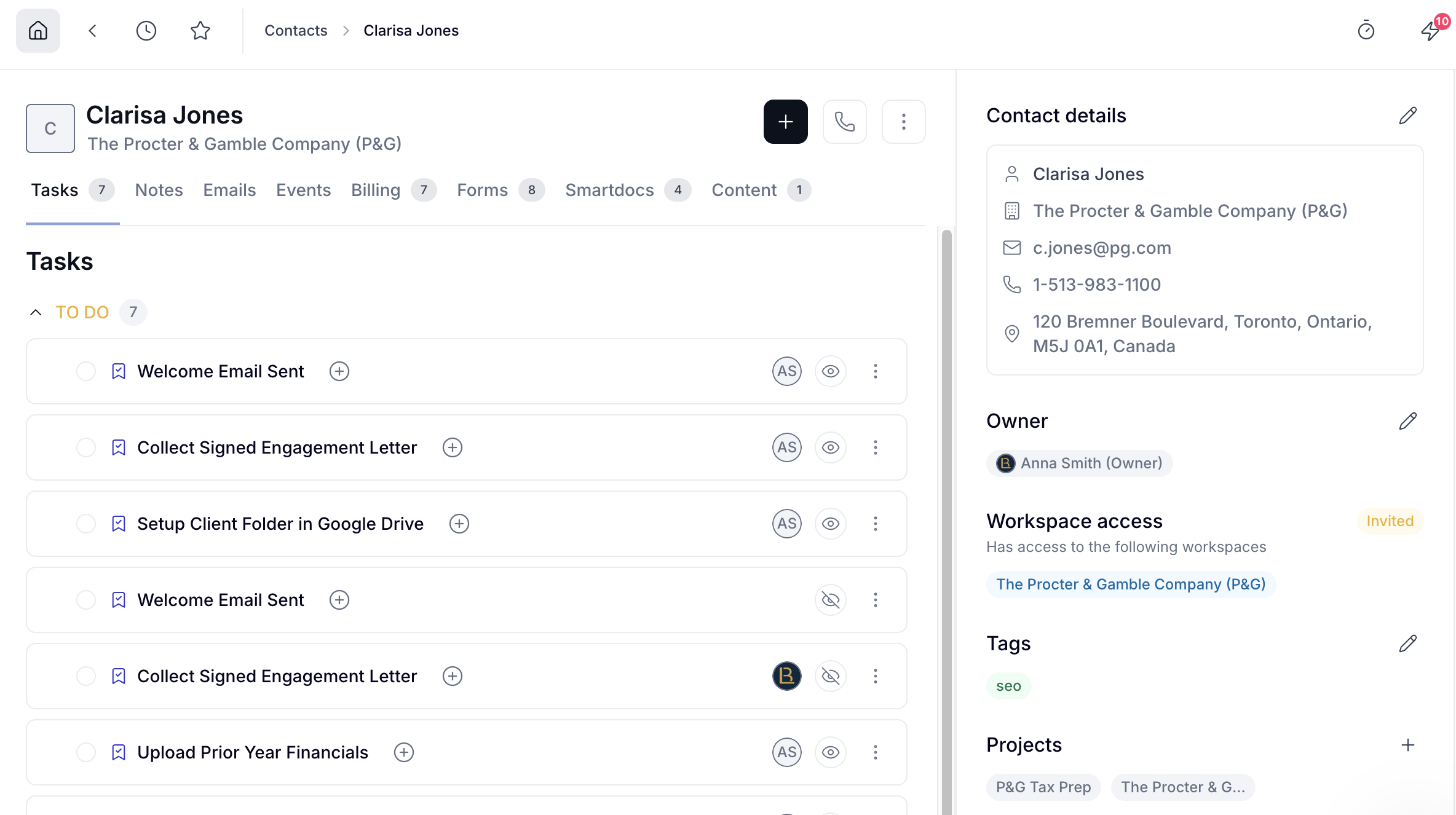
The Hubflo directory is your built-in CRM. Every person and company you work with lives here, clients, leads, prospects, etc. You can attach projects, notes, files, and forms directly to a contact's record, so everything related to that person is in one place.
When you're ready to collaborate with a client that's added to your CRM, invite them into a workspace.
Your workspaces are the individual collaboration spaces you create for contacts in your Hubflo Directory. Here's how it works in practice: you sign a new client, add them as a contact, create a workspace for the engagement, and invite them in.
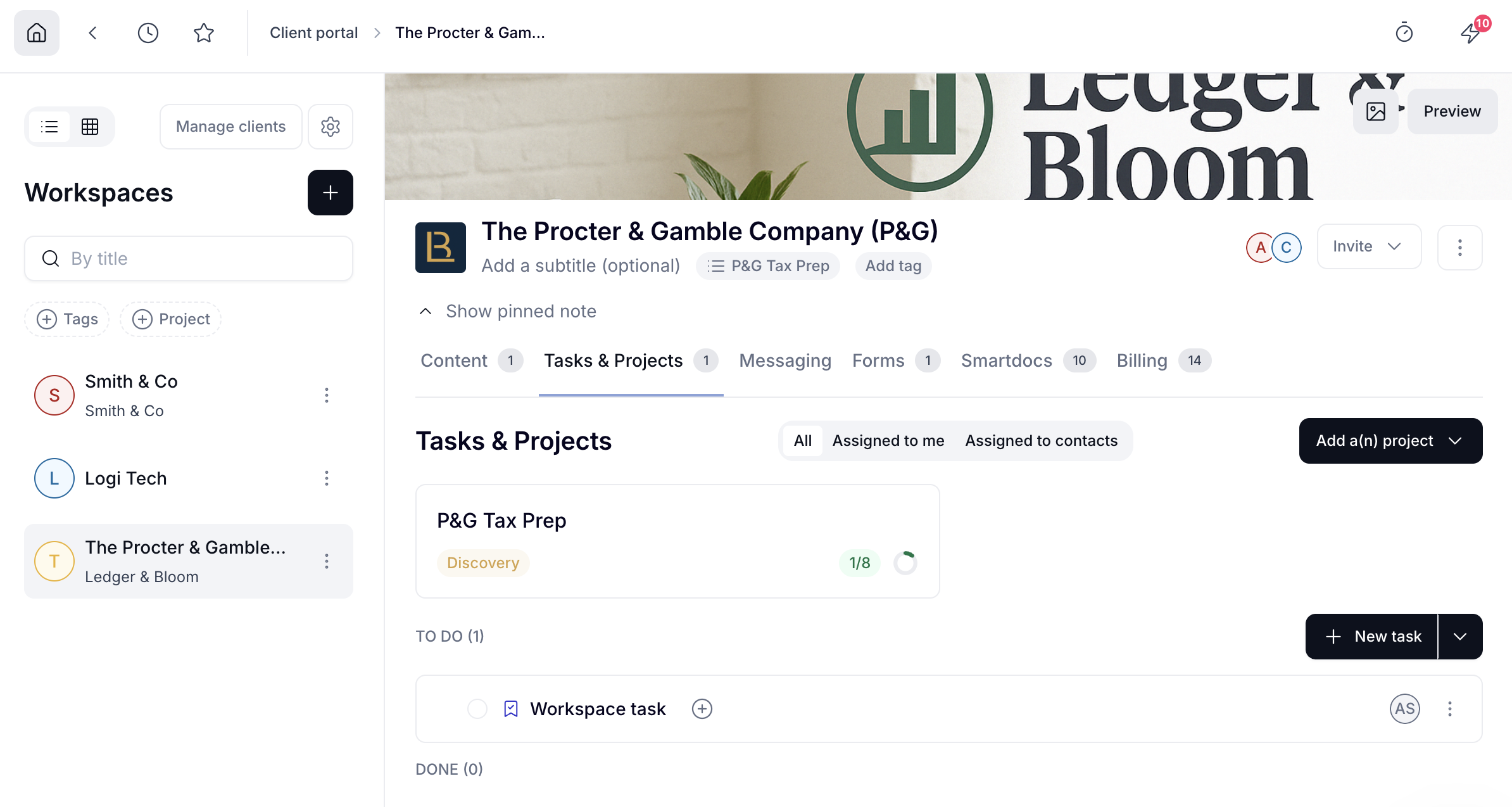
Once a client is in their workspace, you can:
Share files and folders
Assign tasks and track progress
Send contracts, proposals, and intake forms
Message clients directly
Send invoices and collect payments
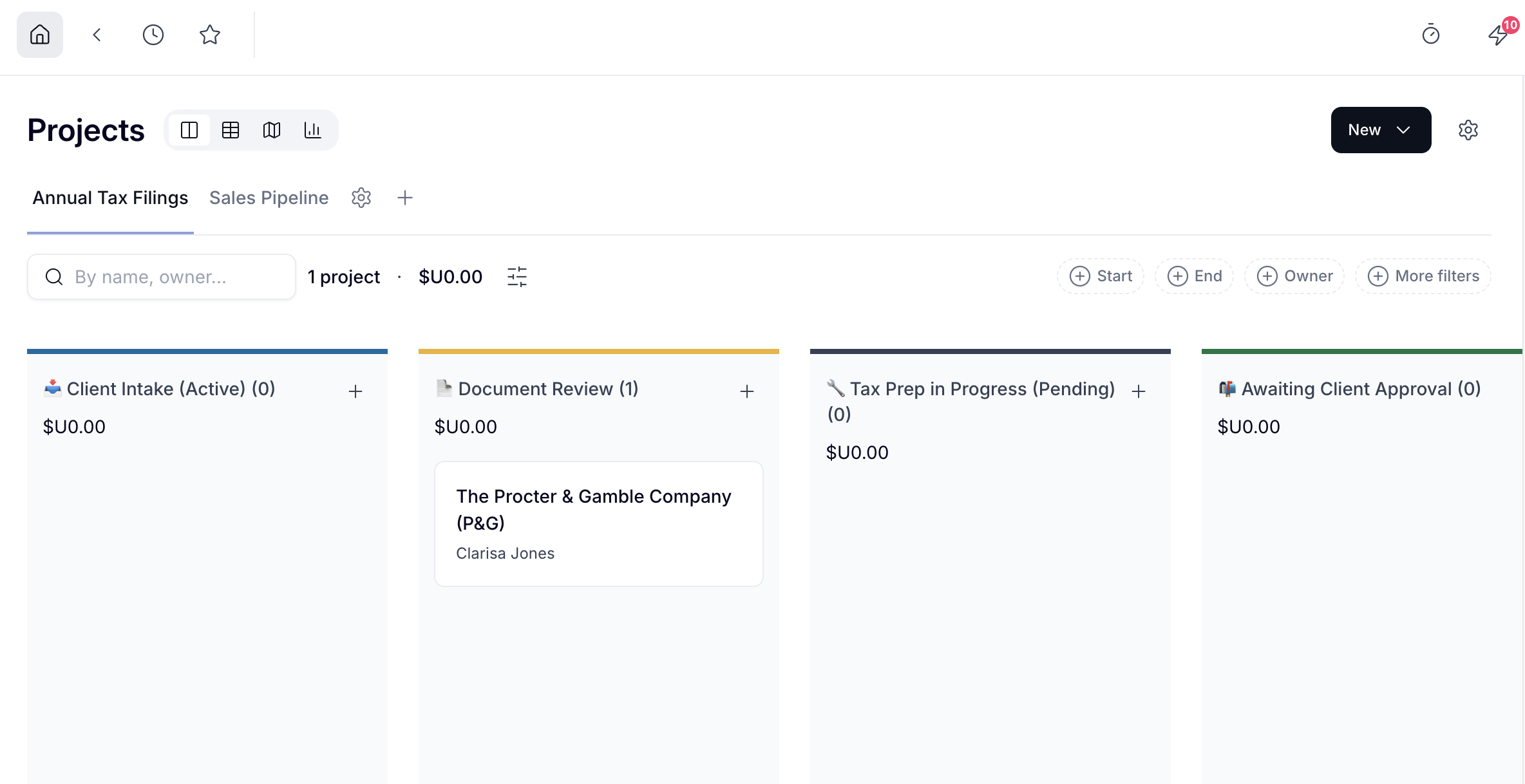
Use projects to organize your work, track stages, and manage tasks with your team. You can link them to a client's workspace when you want to share progress or assign tasks to clients.
Hubflo is designed to fit into the way your team already works. There are four ways to connect tools to Hubflo, each suited to different needs.
Native integrations (like Gmail, Outlook, QuickBooks, Xero, HubSpot, Stripe, and ClickUp) connect with a single click and sync data automatically. For example, emails flow directly into Hubflo, invoices stay in sync with your accounting software, and contacts update across your CRM.
Embeds let you display external apps like Google Sheets, Calendly, Figma, or Notion pages directly inside your client portal.
Zapier and Make integrations let you build automated workflows between Hubflo and tools supported by Zapier/Make, for instance, automatically creating a project and sending a welcome email every time a new client is added.
The Hubflo API allows developers to build fully custom integrations tailored to specific business logic.