
Your portal gives you a clear view of everything that's been assigned to you or is underway, so you always know where things stand.
Finding your tasks
There are two places to find your tasks:
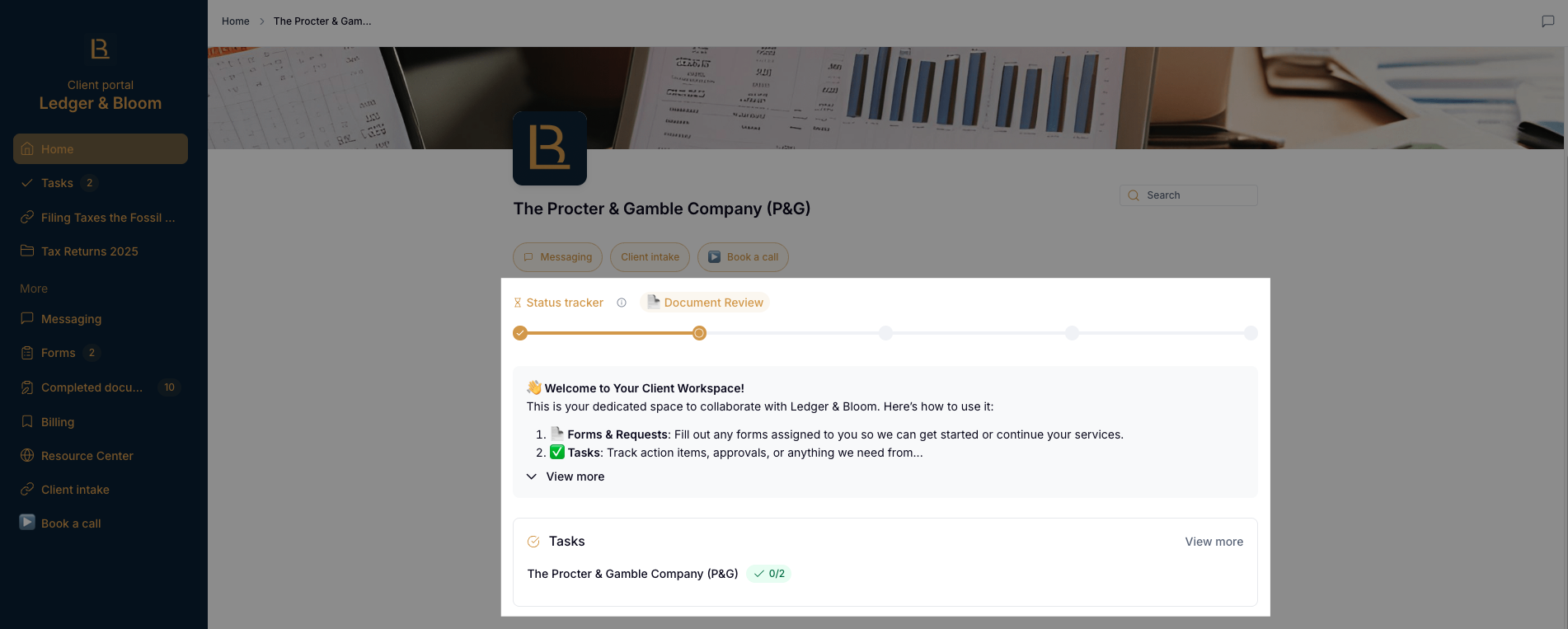
The home page
When you first log in, you'll see an overview of your tasks and a status tracker showing where your project currently stands. The status tracker is a visual timeline with milestone markers, so you can see at a glance how far along things are.
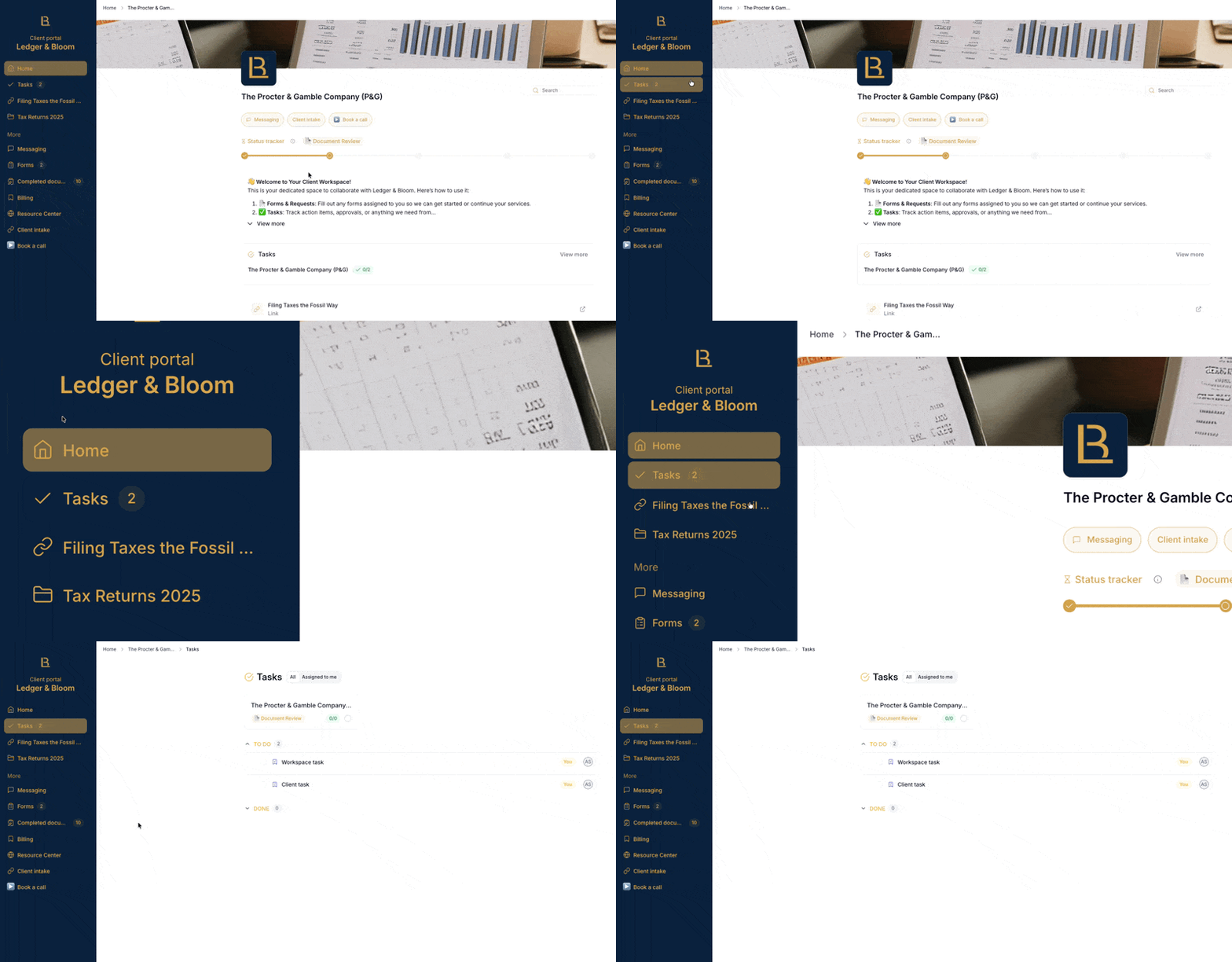
The Tasks section
Click on Tasks in the left sidebar for a full view of everything. Here you'll find standalone tasks as well as project cards.
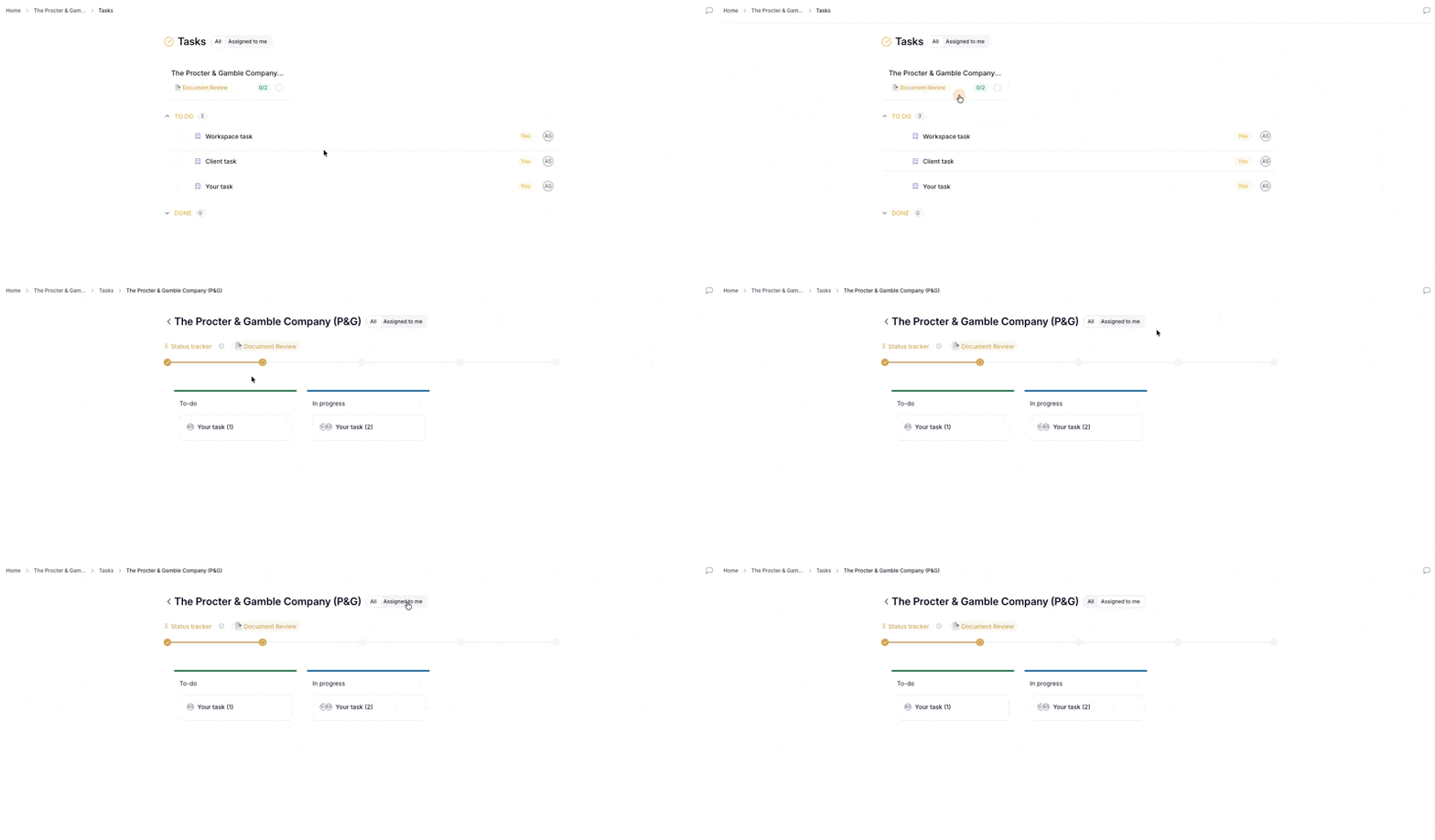
Click on a project card to see all the tasks related to it and track its overall progress.
What you can do on a task
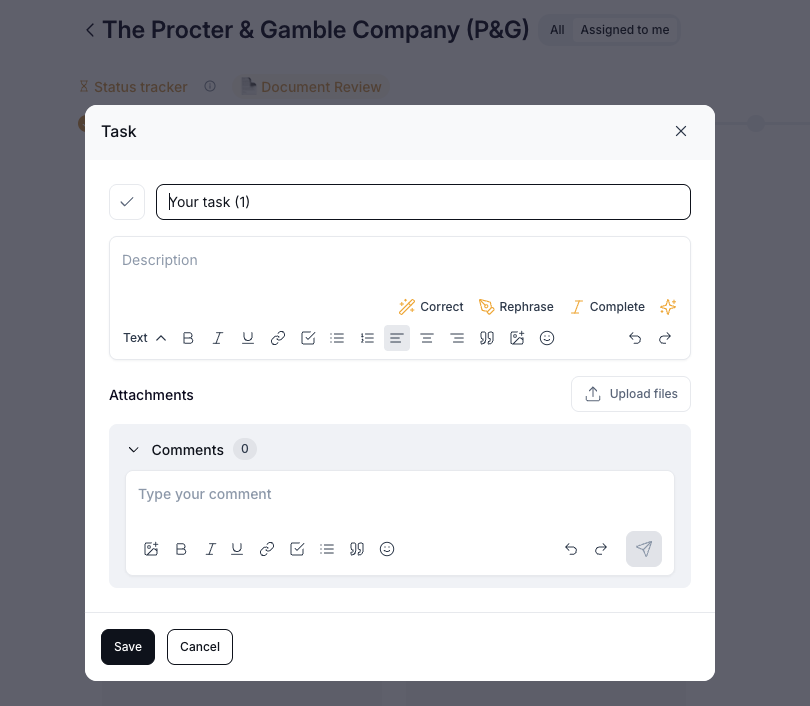
Depending on the permissions your service provider has set up for you, you may be able to:
Create new tasks and assign them to your service provider
Edit existing tasks (like changing the title, description, due date, etc.)
Leave a comment to ask a question or share an update directly on the task
Attach a file to upload any documents or files relevant to the task
Mark it as complete and let your service provider know the task is done; they'll be notified automatically
Task notifications
You'll receive an email notification when a task is assigned to you, when someone leaves a comment on a task you're involved in, or when a task becomes overdue.
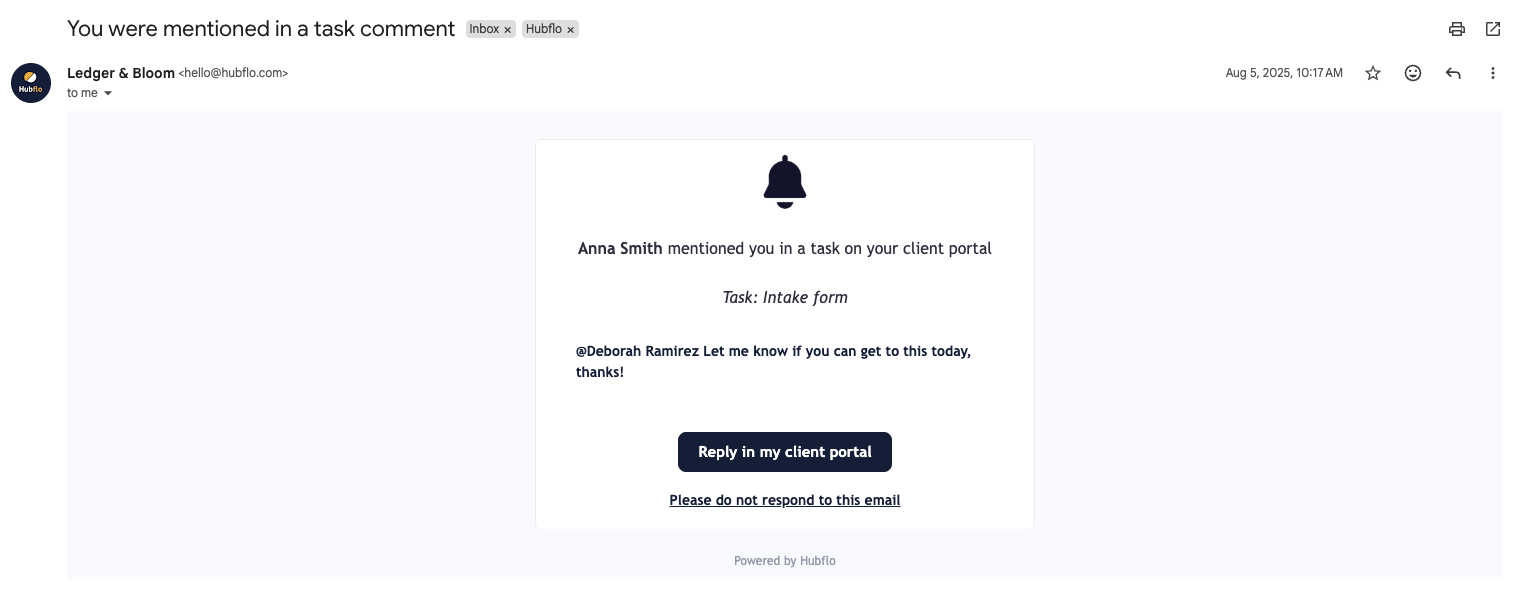
To keep your inbox manageable, notifications are bundled, so even if multiple things happen at once, you'll receive no more than one email per hour.