
This integration requires the Hubflo Unlimited plan. See Pricing to learn more.
The Slack integration sends real-time notifications to your Slack channels for important Hubflo events like a client completing a Smartdoc, uploading a file, or signing up for their portal.
To get started, go to Settings > Integrations.
Find Slack and click Activate
Click Connect
Select your Slack workspace and click Allow to grant Hubflo access
Configure your notifications
Once connected, go to Configuration to choose which notifications you want to receive. Toggle on any event below, then select the Slack channel where you'd like that notification sent.
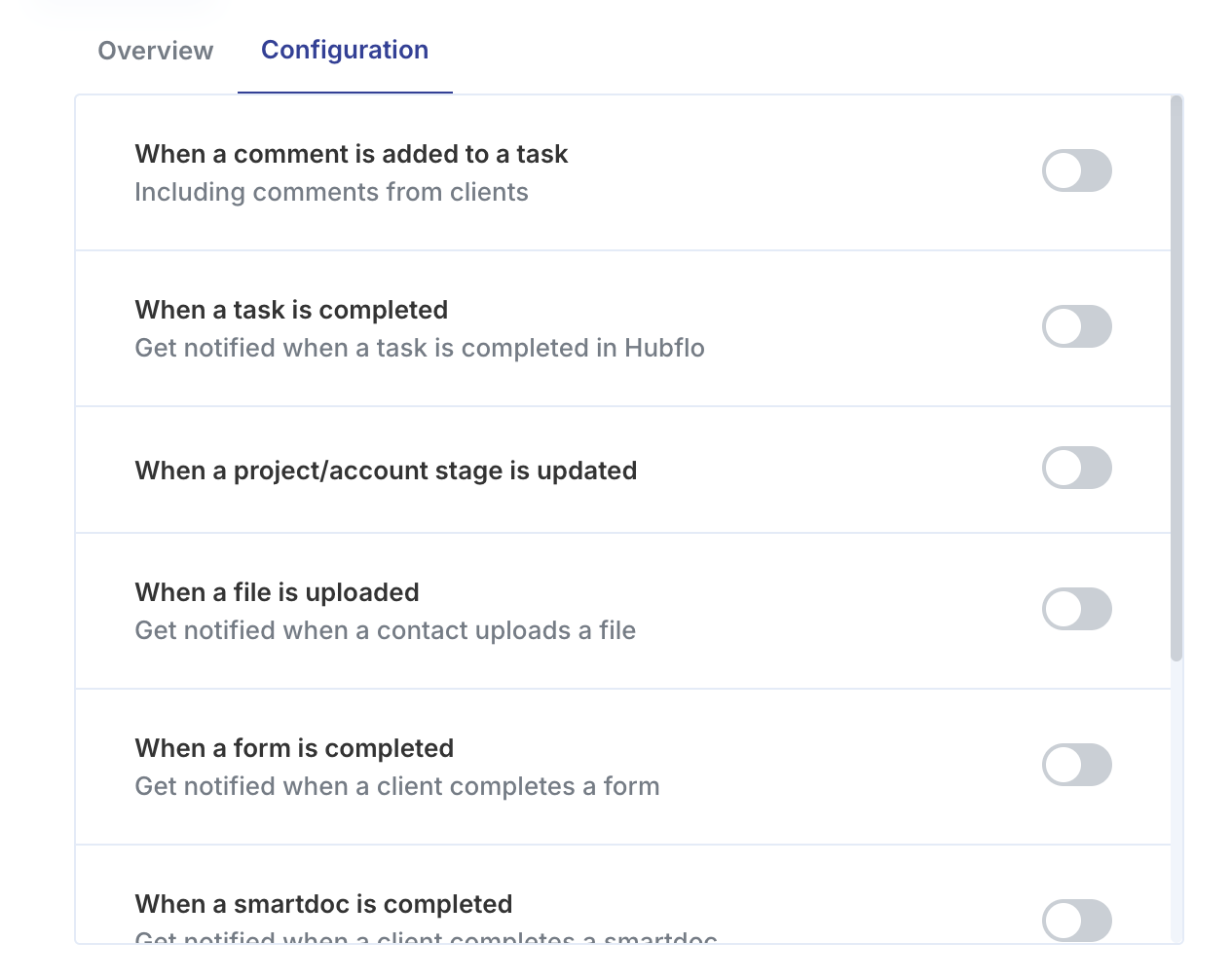
Each notification can be sent to a different channel, for example, route client activity to a #clients channel and task updates to a #team-tasks channel.
Disconnecting Slack
To stop sending notifications to Slack, go to Settings > Integrations.
Select Slack
Select the Configuration tab
Click Disconnect.