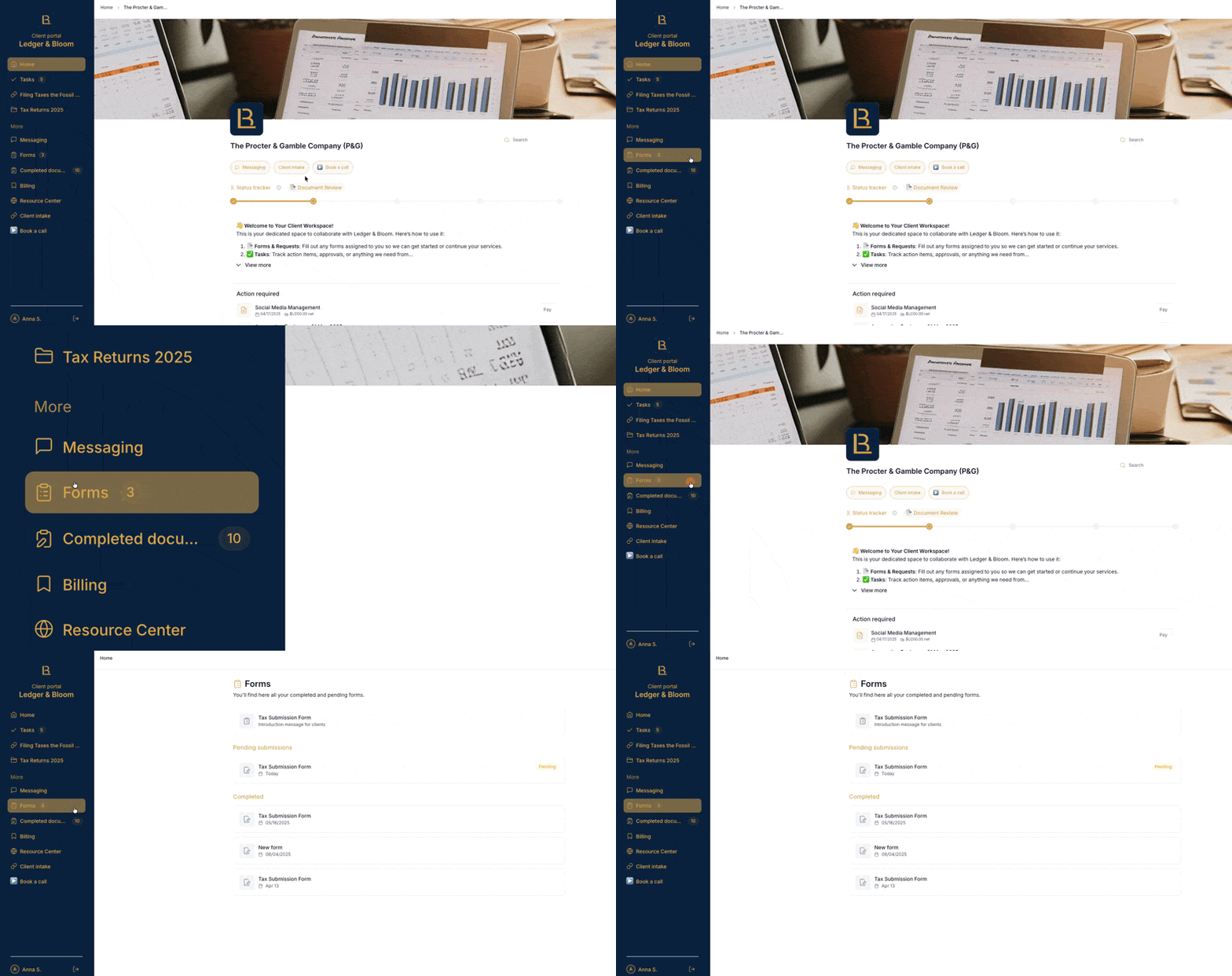
Your service provider may send you forms to fill out from time to time, for example, to collect information, gather feedback, or kick off a new project.
Finding your forms
There are two places to access your forms:
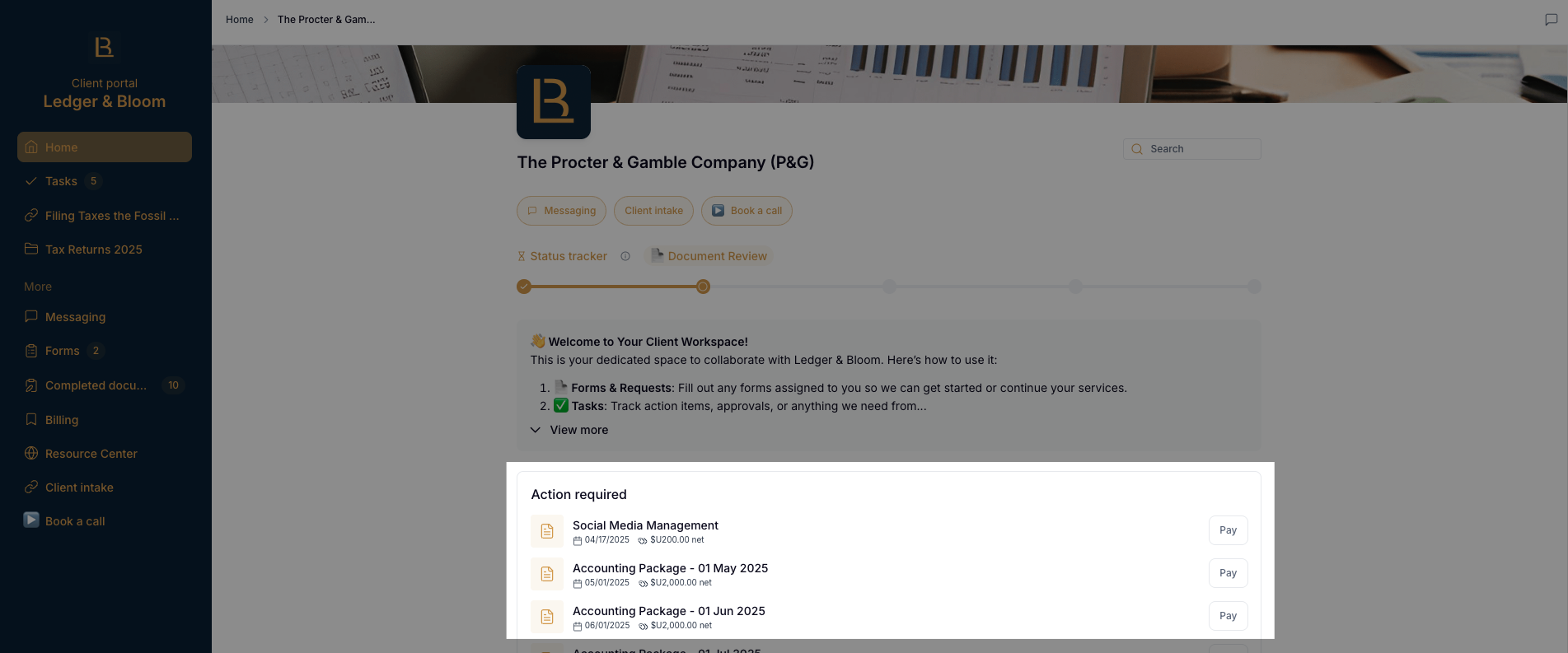
The home page
Any forms that need your attention will appear here under the Action Required section
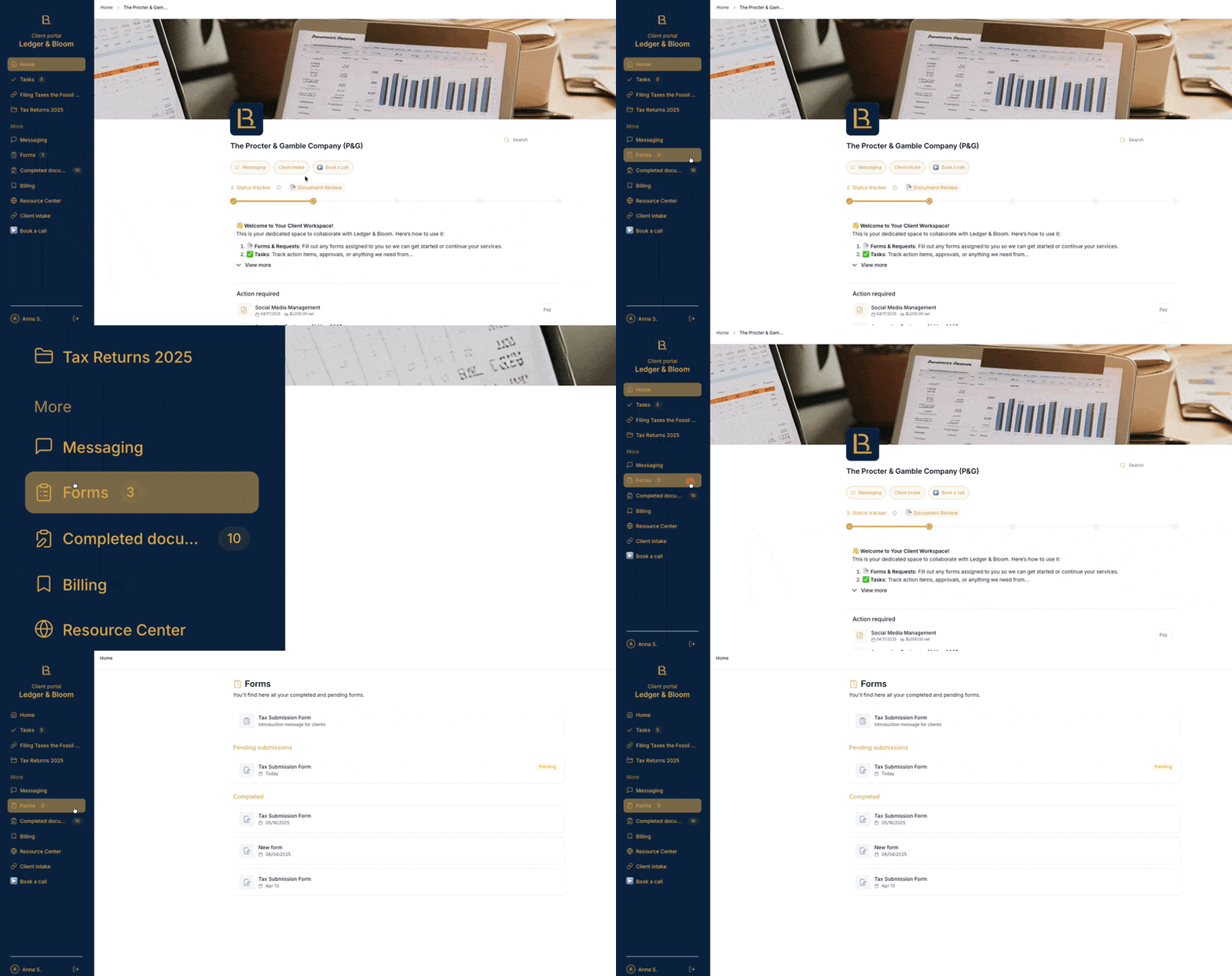
The Forms section
Click on Forms in the left sidebar to see all your pending and completed forms.
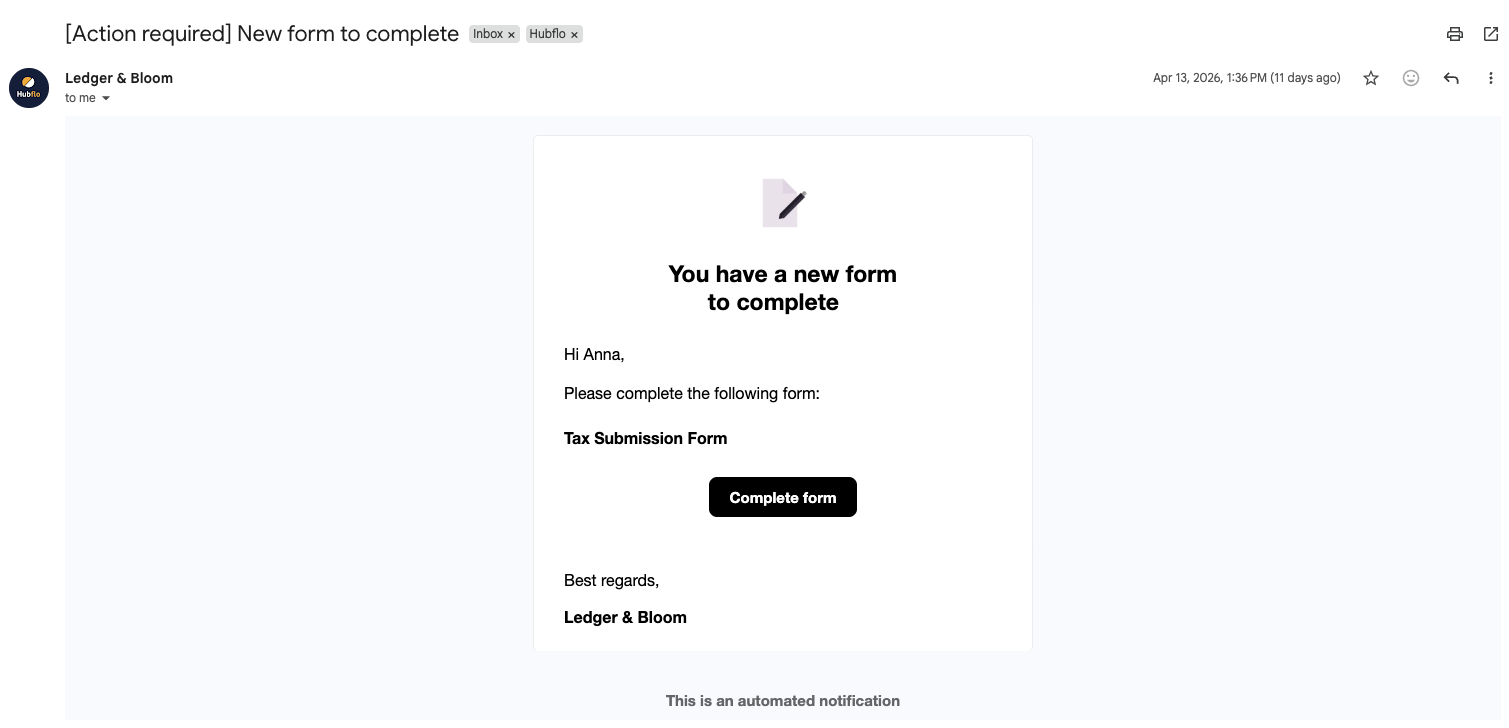
You'll also receive an email notification with the subject "[Action required] New form to complete" when a new form is sent to you.
Completing a form
Open the form and fill it out directly in the portal. If the form requires file uploads, you can attach up to 9 files, with a maximum of 3GB per file.
Once you've filled everything out, submit the form. Your service provider will be notified automatically.
Reviewing completed forms
Any forms you've already submitted are saved in the Forms section of the left sidebar, so you can refer back to them anytime.