Before you send your first invoice or proposal in Hubflo, take a few minutes to fill in your billing settings. Hubflo pulls from this information automatically every time you create a billing document, so setting it up once means your company name, logo, legal details, and payment terms will appear correctly without you having to enter them each time.
Go to Settings > Billing to get started.

Go to Billing profile to add your company name, logo, and contact information. These appear in the header of every invoice and proposal you send. If any of this changes, a new address, a new logo, update it here and it will carry through to future documents automatically.
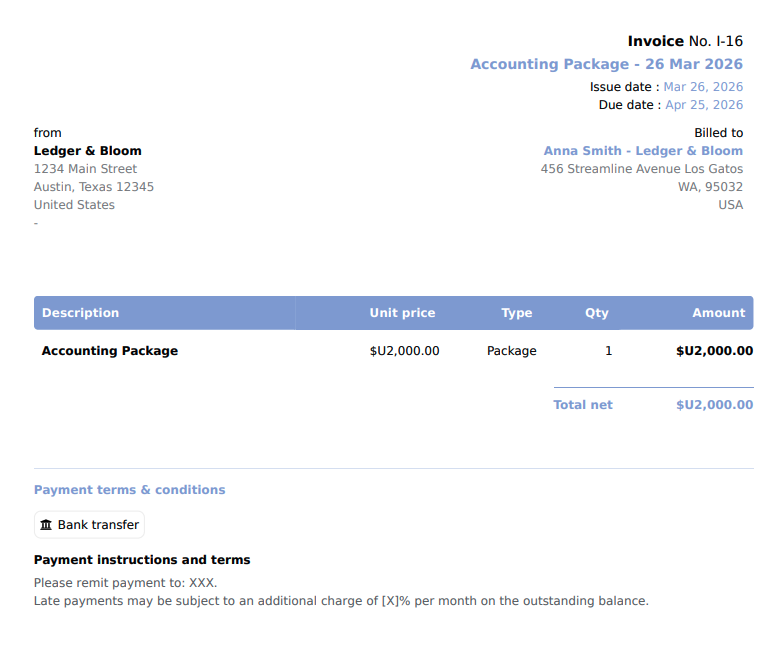
In Billing profile, you can add your legal form, business registration number, and tax or VAT number if applicable. These fields are required in many jurisdictions for invoices to be legally valid, so check what applies to your business.
In Document styling, control how your proposals and invoices look as PDFs: layout style, logo size, font size and weight, line height, and your primary and secondary brand colors. You can also add footer text, useful for standard terms or contact information that should appear on every document.
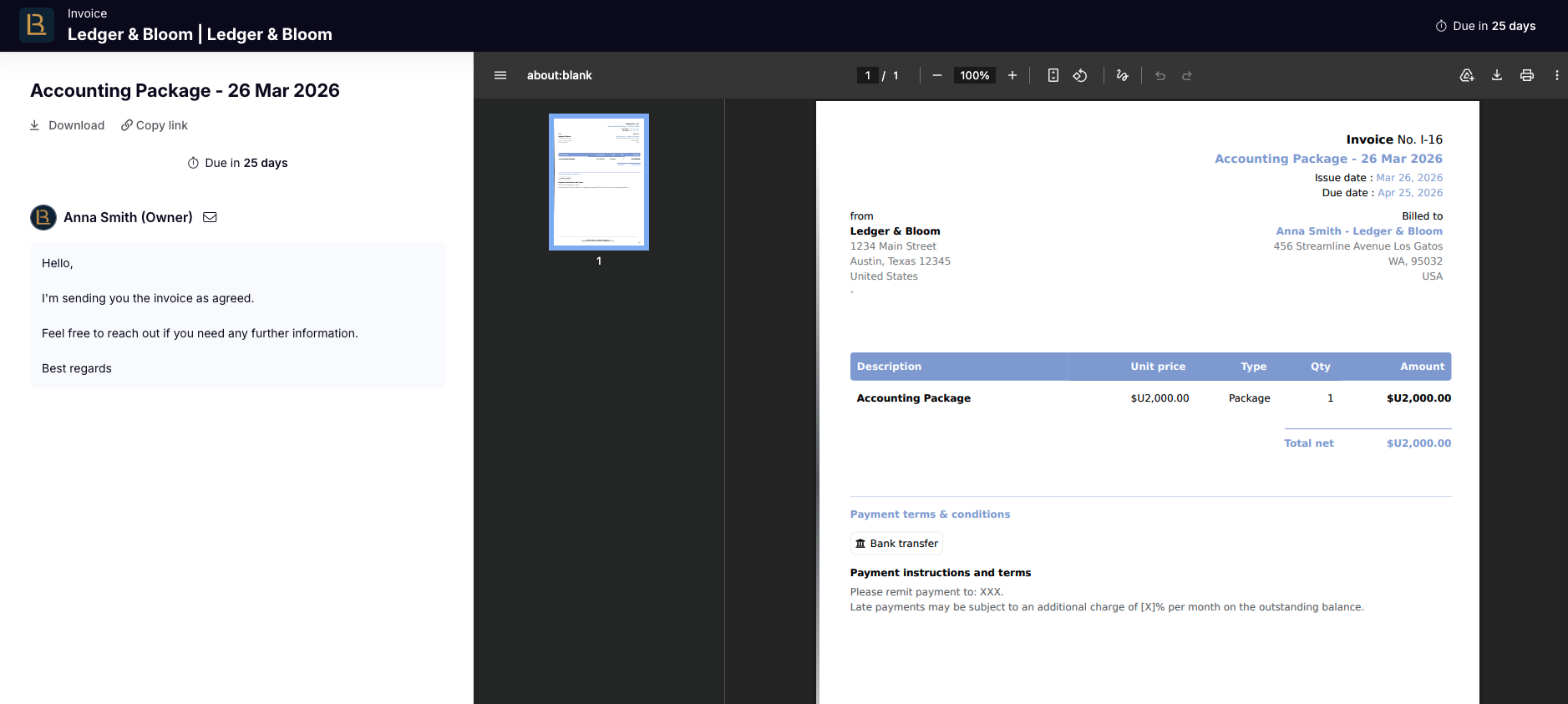
In Defaults, set defaults that pre-populate on every new invoice or proposal:
VAT rate is your standard tax rate, if applicable
Payment deadline
Accepted payment methods is shown to clients on invoices
Introduction message appears in the email clients receive and on the left panel when they open the invoice or proposal. Use it for a default opening message you can edit per document.
Comment appears directly on the PDF. Use it for standard terms, notes, or any text that should be printed on the document itself.
Payment information shows bank details or instructions for how to pay
In Numbering, set a prefix and starting number for your invoices and proposals separately. You can use dynamic variables — #{{year}}, #{{month}}, and #{{day}} — to include dates in your numbering sequence. For example, a prefix of I-#{{year}}- starting at 001 would produce I-2025-001.